
Active installs
2K+
Product comparison
Subscription includes
Support
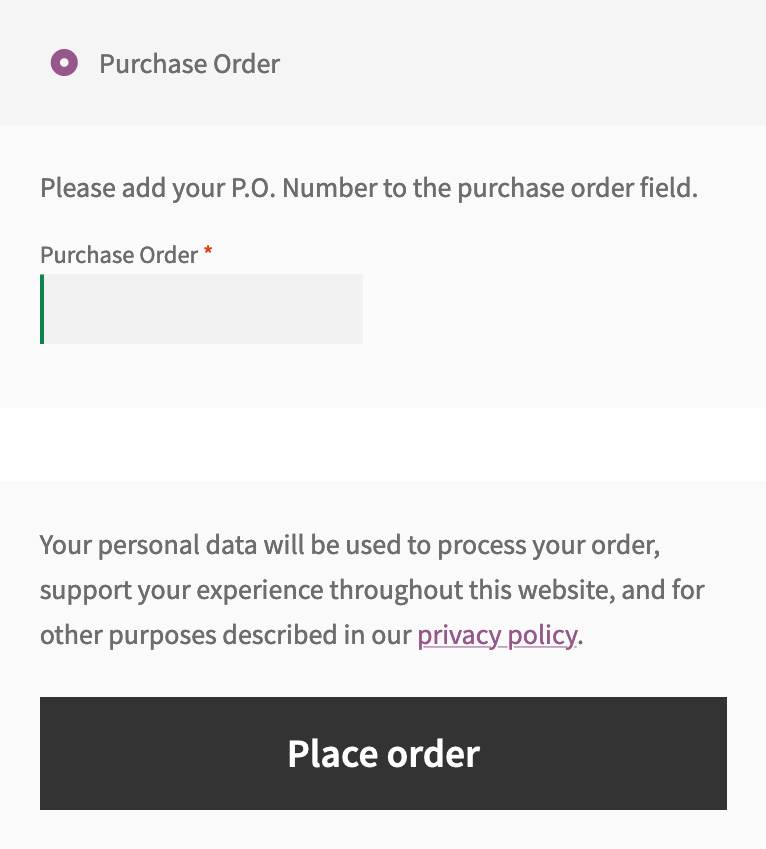
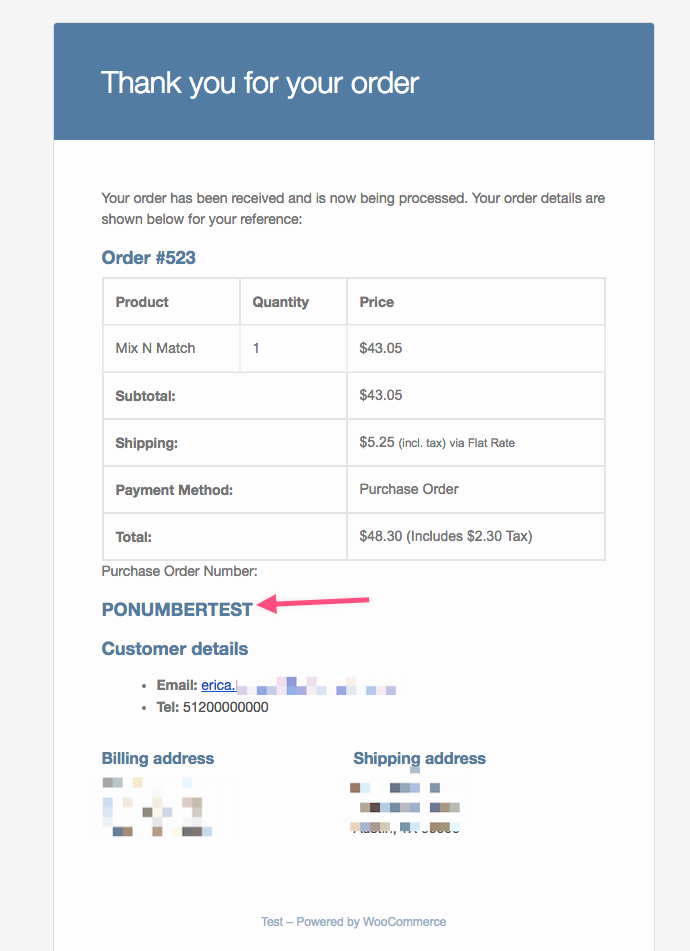
The WooCommerce Purchase Order Gateway extension adds a field to the checkout screen where your customer enters their purchase order number (provided by you directly to the customer in a manual agreement).
 |
DocumentationNeed guidance? Check out the comprehensive documentation to learn everything you need to know about the WooCommerce Purchase Order Gateway extension. View documentation |
 |
Questions and SupportIf you have pre-sale questions or need help, get in touch with our friendly Happiness Engineers. Get support |
WooCommerce Purchase Order Gateway is a B2B payment option that adds a purchase order field to your checkout, so customers can enter a PO number instead of paying upfront with a card. When a shopper chooses this method, the order is recorded with their PO number for your reference, and you handle billing through your usual offline process. It gives businesses that buy against purchase orders a clear way to complete checkout on your store.
Purchase orders are a common requirement for businesses, schools, government agencies, and other organizations with strict purchasing policies. By offering a purchase order option at checkout, WooCommerce Purchase Order Gateway is designed to help you serve these buyers and open up sales opportunities you might otherwise miss. It can help expand your customer base by catering to organizations that prefer, or are required, to pay this way.
This extension is designed for stores that sell to businesses and organizations, including B2B and wholesale sellers. It suits merchants whose customers place orders against a purchase order and settle payment later through an invoice or account arrangement. If you regularly work with buyers who need a PO number recorded on their order, it is a strong fit.
No. WooCommerce Purchase Order Gateway records the purchase order number and places the order on hold, but it does not process a card or capture funds at checkout. You collect payment through your own offline or contractual process, then mark the order complete once it is settled. If you need to accept card payments online, pair this with a payment gateway such as WooPayments.
Purchase order numbers are issued by you, outside of the store, using your own purchase order management system. The gateway does not generate PO numbers automatically. Customers enter the number you have provided through a manual or contractual agreement when they check out, and it is saved with their order.
Once a customer submits a purchase order at checkout, the order is set to On hold status. It stays on hold until you manually mark it as complete, which gives you a clear point to confirm the PO and reconcile payment on your side. This keeps orders awaiting settlement separate from orders that are ready to fulfill.
The purchase order number is displayed within the order information in your store admin, so your team can see it while managing the order. It is also shown on the invoice, which helps keep your offline billing and online records aligned. This gives you a consistent reference for each transaction.
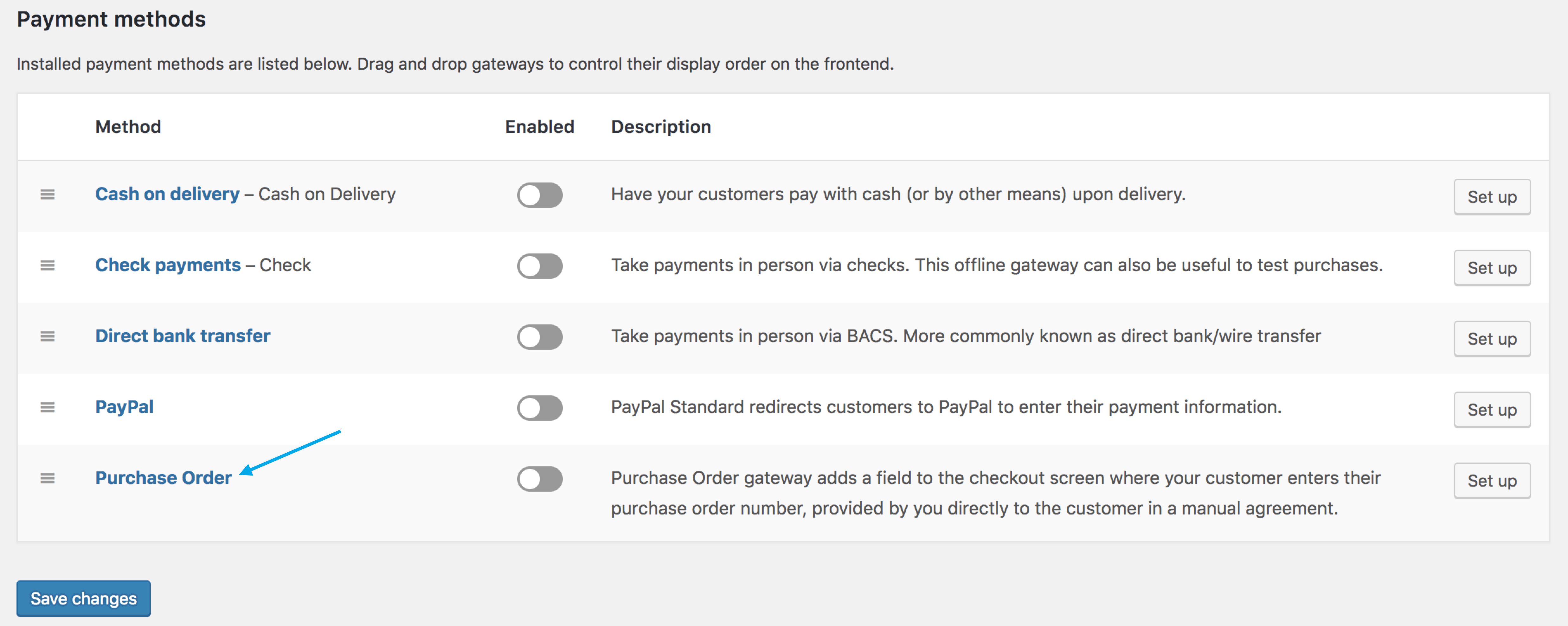
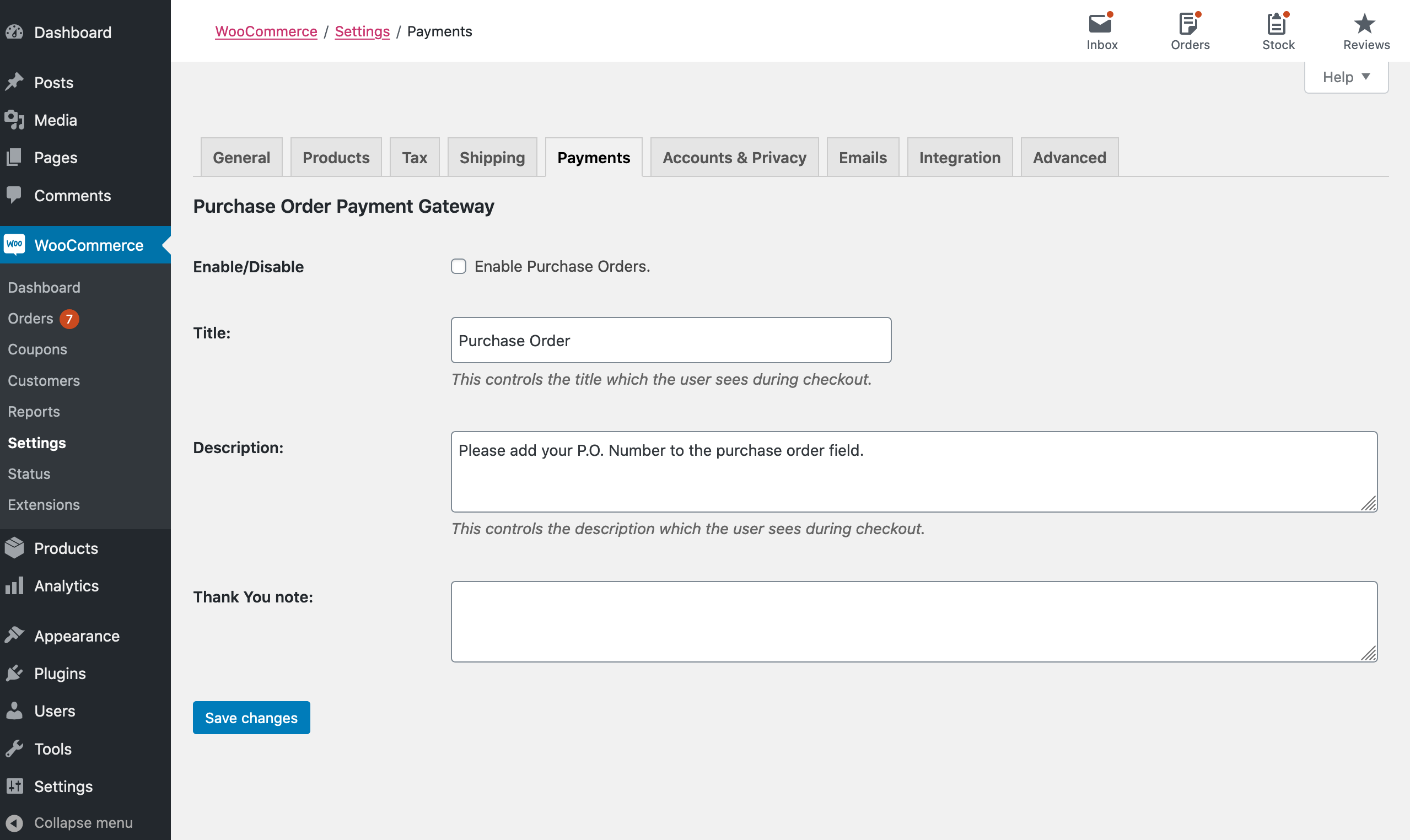
No. The extension is designed to be plug and play and requires no configuration to start accepting purchase orders. After activating it, you enable the Purchase Order method under WooCommerce settings, where you can set the title, description, and an optional thank you note shown to customers. From there it is ready to use at checkout.
Yes, with a setup detail to keep in mind. The purchase order field appears at checkout for a subscription product as long as manual renewals are enabled in your WooCommerce Subscriptions settings. If manual renewals are not enabled, the purchase order field will not appear. This makes it suitable for B2B subscribers who renew against a purchase order rather than an automatic card charge.
This extension is not the right choice if you need to charge customers automatically at checkout, since it does not capture payment and relies on your own offline billing. If your store mainly sells to individual consumers who pay by card at purchase, an online payment gateway such as WooPayments will serve you better. Many B2B stores offer both: purchase orders for approved business accounts and card payments for everyone else.
Adding a dedicated purchase order payment method is the most direct approach, and WooCommerce Purchase Order Gateway is built for exactly that. It adds a Purchase Order option at checkout, captures the PO number your customer was issued, and holds the order for you to reconcile and complete. This keeps your offline purchase order workflow connected to your online store without custom development.
Yes. WooCommerce Purchase Order Gateway is compatible with the cart and checkout blocks, so you can use it if you manage those pages with the block editor. It is also compatible with High Performance Order Storage (HPOS), which stores orders in dedicated tables to support store performance.
It can help. Because the purchase order number is saved on the order and shown on the invoice, WooCommerce Purchase Order Gateway gives you a consistent reference to match online orders with your offline billing records. That shared reference can streamline reconciliation and reduce the back-and-forth of confirming which payment belongs to which order.
Extension information
Quality Checks
Compatibility
Countries
Requirements